
Getting started
What Equipment Do You Need for Bar Trivia?
Check your TV, HDMI input, power, internet, and guest phone access before the first session.
For NextPlayer, start with a TV guests can see, an available HDMI input, power near the screen, and a reliable internet connection. NextPlayer supplies a preconfigured HDMI device.
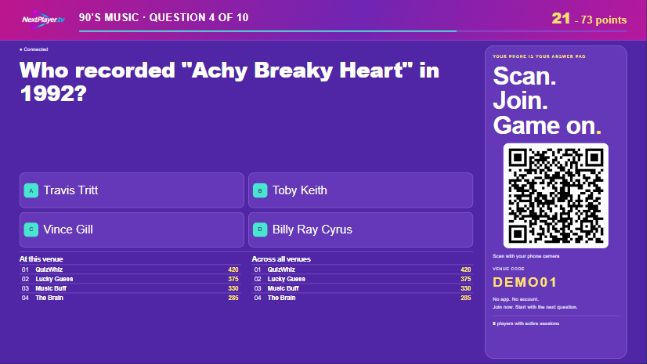
Check the setup before doors open
- Find the TV remote and identify the input you’ll use.
- Plug in the device and confirm it can reach the internet where the TV is installed.
- Scan the code on a phone and answer a question. Try from the bar and the farthest table.
- Show the shift lead how to select the input and open the trivia display again.
If you use the same screen for sports, decide who switches the input and when. A printed note by the remote can save a trip to the office mid-shift.